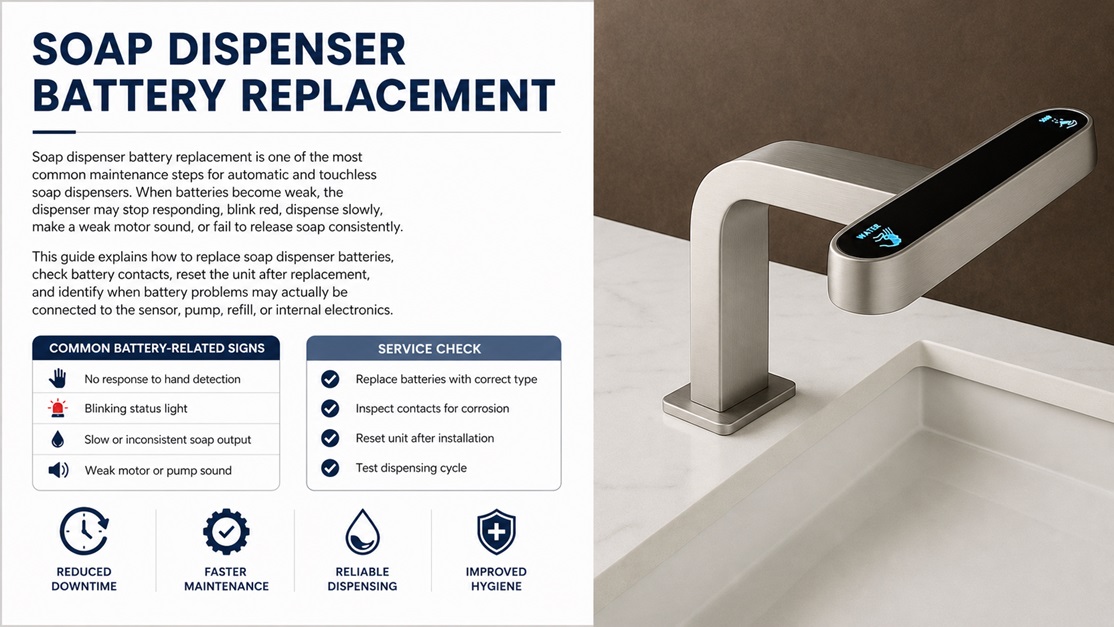
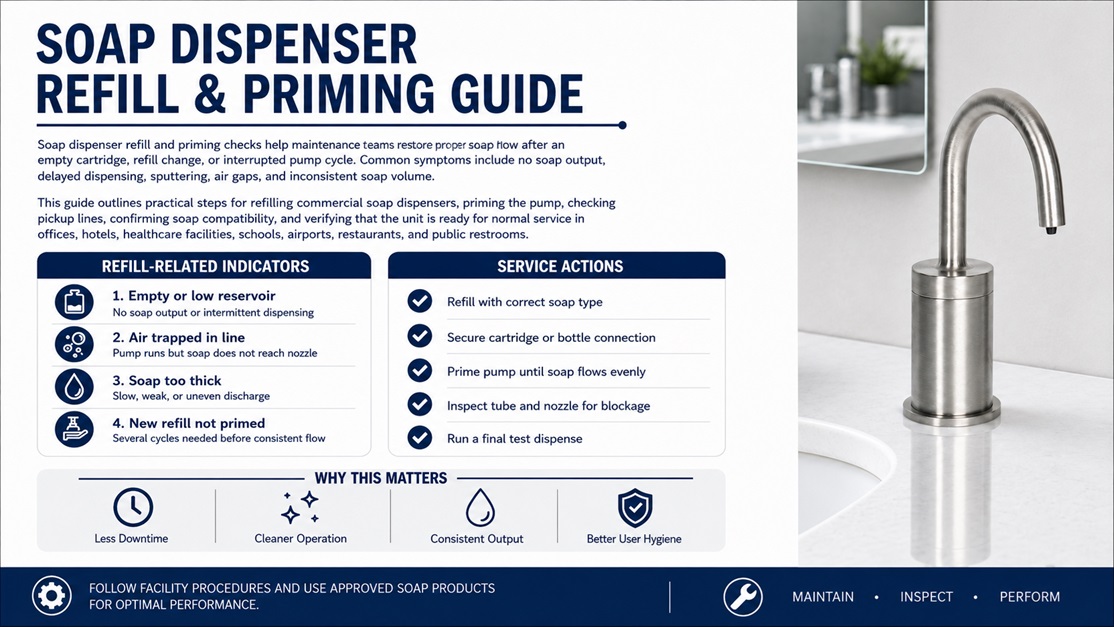
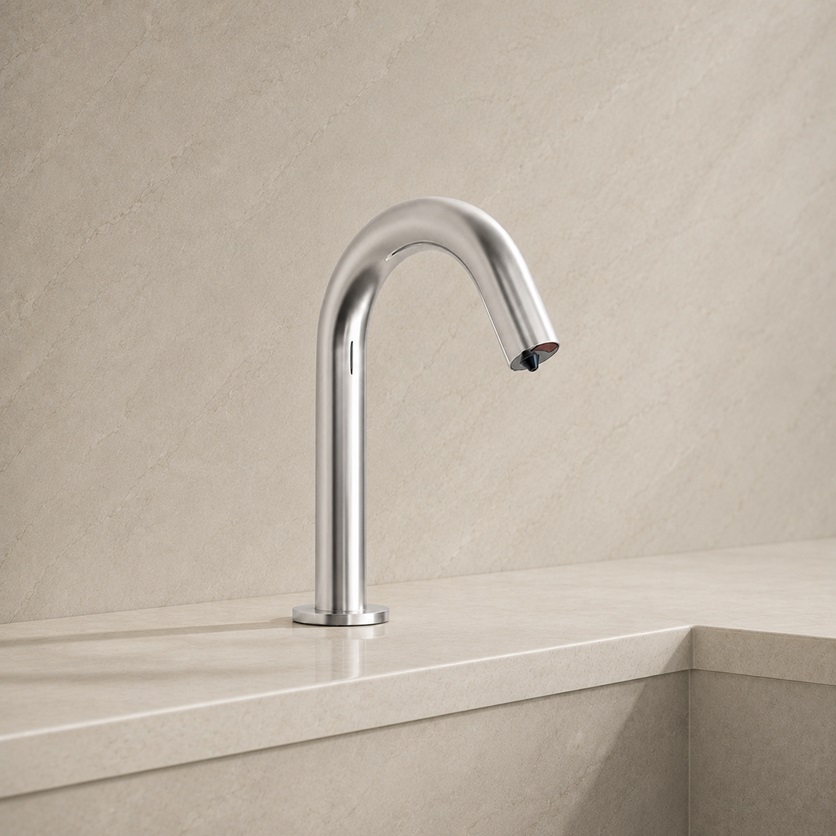
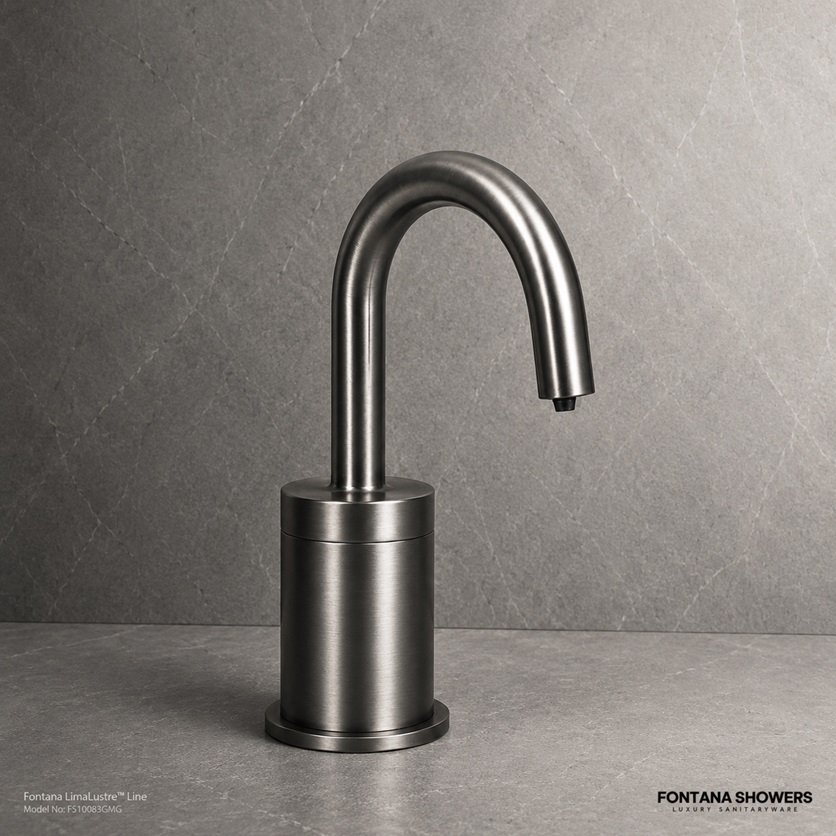
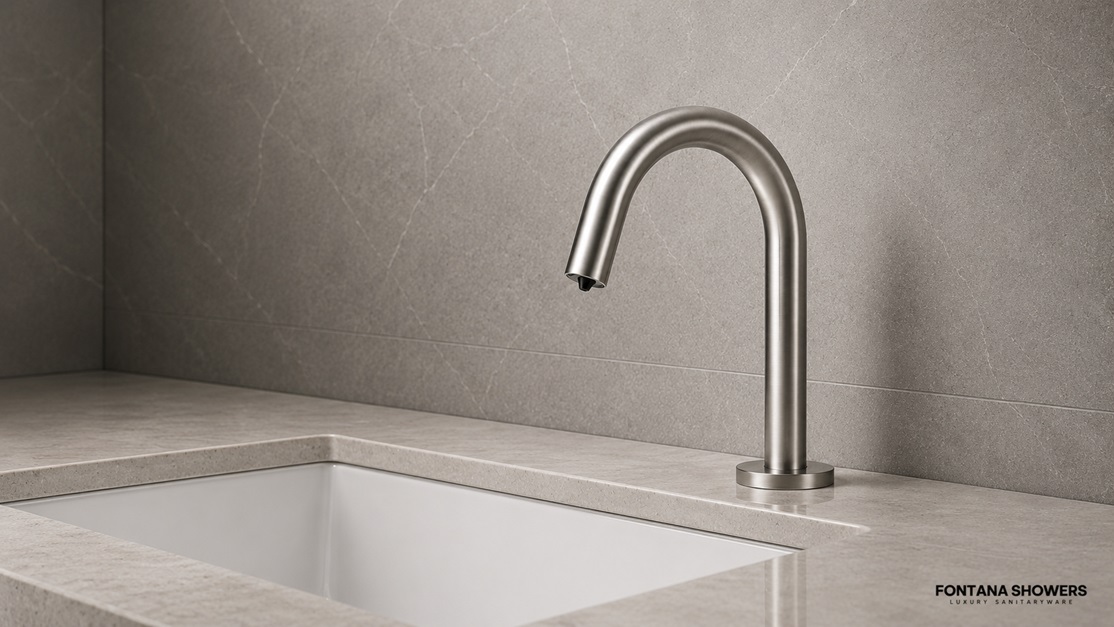
Soap dispenser battery replacement is one of the most common maintenance steps for automatic and touchless soap dispensers. When batteries become weak, the dispenser may stop responding, blink red, dispense slowly, make a weak motor sound, or fail to release soap consistently.
This guide explains how to replace soap dispenser batteries, check battery contacts, reset the unit after replacement, and identify when battery problems may actually be connected to the sensor, pump, refill, or internal electronics.
Battery Replacement GuideLow Battery TroubleshootingBlinking Red Light FixCommercial Maintenance Support
Signs Your Soap Dispenser Batteries Need Replacement
A touchless soap dispenser depends on steady battery power to operate the sensor, control board, and pump motor. When the batteries are low, the dispenser may still show a light or partial response, but it may not have enough power to complete a full dispensing cycle.
Dispenser Does Not RespondIf the unit does not activate when a hand is placed under the sensor, the batteries may be dead or installed incorrectly.
Blinking Red LightA blinking red light often indicates low battery power, battery contact issues, or a system alert that requires inspection.
Weak Motor SoundIf the motor sounds slow, strained, or inconsistent, the batteries may not be supplying enough power to run the pump.
Inconsistent DispensingThe dispenser may work sometimes and fail other times when battery voltage is low or the contacts are dirty.
No Soap Comes OutWeak batteries can allow the sensor to activate but prevent the pump from moving soap through the nozzle.
Frequent Reset NeededIf the unit keeps requiring a reset, the battery set, contacts, or power connection may need attention.
Quick Tip: Always replace all batteries at the same time. Mixing old and new batteries can cause weak operation, leaking batteries, and inconsistent dispenser performance.
Step-by-Step Soap Dispenser Battery Replacement
Follow these steps to replace batteries in an automatic soap dispenser. Battery location and type may vary by model, so always check the product label or instruction manual when available.
Turn the dispenser off if possible.
If your soap dispenser has an on/off button, switch the unit off before opening the battery compartment. This helps prevent accidental activation during maintenance.
Open the battery compartment.
Locate the battery cover. It may be inside the dispenser housing, underneath the unit, behind the refill area, or near the mounting section depending on the dispenser design.
Remove the old batteries.
Take out all batteries and dispose of them according to local battery disposal guidelines. Do not leave old batteries inside the dispenser, especially if they show signs of leakage or corrosion.
Inspect the battery contacts.
Check the springs and metal contacts for corrosion, moisture, soap residue, or looseness. Dirty contacts can prevent a new battery set from powering the dispenser properly.
Clean the compartment carefully.
If the contacts are dusty or lightly dirty, clean them gently with a dry cloth. If there is corrosion, use caution and avoid touching residue directly. Allow the compartment to dry fully before installing new batteries.
Install fresh batteries in the correct direction.
Match the positive and negative ends of each battery to the markings inside the compartment. Incorrect battery direction is a common reason a soap dispenser does not work after battery replacement.
Close the battery cover securely.
Make sure the battery door is fully closed and seated properly. Some dispensers will not operate if the cover is loose or the housing is not fully locked.
Turn the dispenser on and test it.
Place your hand under the sensor to test activation. If the dispenser responds but no soap comes out, prime the pump by activating the unit several times.
Reset the unit if needed.
If the dispenser still does not respond, remove the batteries for 30 to 60 seconds, reinstall them, close the cover, and test again.
What Battery Type Does a Soap Dispenser Use?
Battery type depends on the dispenser model. Some automatic soap dispensers use AA batteries, while others may use C, D, or specialty battery packs. Always use the battery size and voltage recommended for the dispenser.
Battery Replacement Best Practices
Use the correct battery size shown inside the compartment or manual.
Replace all batteries at the same time.
Do not mix old and new batteries.
Do not mix different battery brands or battery types.
Install batteries in the correct positive and negative direction.
Keep the battery compartment dry and free from soap residue.
Use quality batteries for high-traffic commercial restrooms.
In commercial restroom environments, battery selection matters because the dispenser may activate many times per day. A weak or inconsistent power source can lead to sensor problems, no soap flow, blinking lights, and repeated maintenance calls.
Important: If batteries leak inside the compartment, clean the area carefully and inspect for damage. Severe corrosion can prevent the dispenser from operating even after new batteries are installed.
After Battery Replacement: Why the Dispenser Still Does Not Work
If your soap dispenser still does not work after battery replacement, the problem may not be the batteries themselves. The issue may involve battery contacts, sensor detection, soap flow, refill installation, or internal components.
Check These Issues Next:
Confirm the batteries are installed in the correct direction.
Make sure every battery is new and the correct size.
Check the battery contacts for corrosion or looseness.
Close the dispenser cover and battery compartment completely.
Clean the sensor window with a soft damp cloth.
Confirm the refill or reservoir has enough soap.
Clean the nozzle if the motor runs but no soap comes out.
Prime the pump after replacing batteries or refilling soap.
Reset the dispenser by removing batteries for 30 to 60 seconds.
A dispenser that lights up but does not dispense may have enough power for the sensor but not enough soap flow through the pump. If the motor runs, check the refill, nozzle, and soap viscosity. If the motor does not run, focus on power, contacts, sensor, and reset steps.
Battery Corrosion and Moisture Problems
Battery corrosion is a common issue in soap dispensers, especially in humid restrooms or units exposed to cleaning spray, soap leaks, or water. Corrosion can interrupt the electrical connection and make the dispenser appear dead even with new batteries installed.
Signs of Battery Compartment Problems
White, green, or crusty residue around battery contacts.
Rust or discoloration on springs or metal plates.
Loose battery terminals that do not hold batteries firmly.
Moisture inside the battery compartment.
Batteries that appear swollen, leaking, or damaged.
Dispenser works briefly after adjustment, then stops again.
If the battery compartment is severely corroded or damaged, replacement may be necessary. In commercial restrooms, repeated exposure to moisture can shorten the life of battery-operated dispensers, so routine inspection is important.
Safety Note: Do not touch leaking battery material with bare hands. Remove leaking batteries carefully and clean the compartment according to safe battery handling practices.
Commercial Soap Dispenser Battery Maintenance
In high-traffic restrooms, waiting until a soap dispenser stops working can create hygiene concerns and extra service calls. A scheduled battery maintenance plan helps keep automatic soap dispensers operating reliably.
Recommended Maintenance Checks
Inspect battery condition during routine restroom service.
Replace batteries before peak usage periods.
Check for blinking red lights or low-power alerts.
Keep the battery compartment clean and dry.
Inspect soap refills for leaks that may reach electronics.
Test sensor activation after every battery change.
Keep spare batteries available for maintenance staff.
For offices, hospitality properties, schools, healthcare facilities, restaurants, airports, and public restrooms, reliable soap dispenser battery replacement reduces downtime and supports a cleaner handwashing experience.
Recommended Automatic Soap Dispenser Solutions
If your soap dispenser frequently needs battery replacement, fails after new batteries, or shows repeated low-power warnings, it may be time to consider a more dependable automatic soap dispenser. Reliable power performance is especially important in commercial and high-traffic restrooms.
Choose automatic soap dispensers with durable construction, efficient sensor operation, accessible battery compartments, compatible refill systems, and finishes that coordinate with nearby touchless faucets and restroom fixtures.
Battery issues often connect to sensor response, blinking red lights, and no soap flow. Use these related guides to continue troubleshooting the dispenser.
Open the battery compartment, remove the old batteries, inspect the contacts, install fresh batteries in the correct direction, close the cover securely, and test the dispenser by placing your hand under the sensor.
Why is my soap dispenser not working after battery replacement?
The batteries may be installed incorrectly, the contacts may be corroded, the battery cover may not be closed properly, the sensor may be dirty, or the dispenser may need to be reset.
Can low batteries stop soap from dispensing?
Yes. Low batteries may allow the sensor light to turn on but may not provide enough power to run the pump, causing weak or no soap dispensing.
Why is my soap dispenser blinking red after new batteries?
A blinking red light after new batteries may indicate incorrect battery direction, poor battery contact, corrosion, a loose cover, refill problems, or a reset error.
Should I replace all soap dispenser batteries at once?
Yes. Always replace all batteries at the same time. Mixing old and new batteries can cause weak performance, inconsistent operation, and battery leakage.
How often should commercial soap dispenser batteries be replaced?
Replacement frequency depends on traffic level, dispenser model, and battery type. In high-traffic commercial restrooms, batteries should be inspected regularly and replaced before failure to avoid downtime.
Need a Reliable Automatic Soap Dispenser Solution?
If your soap dispenser continues to fail after battery replacement, a more dependable automatic soap dispenser may help reduce maintenance issues and keep restrooms operating smoothly.